How many pet cameras does your dog home need?
Plan Petcube camera coverage by room, doorway and dog routine, then decide whether one camera, a bundle or Petcube Care Premium makes sense.
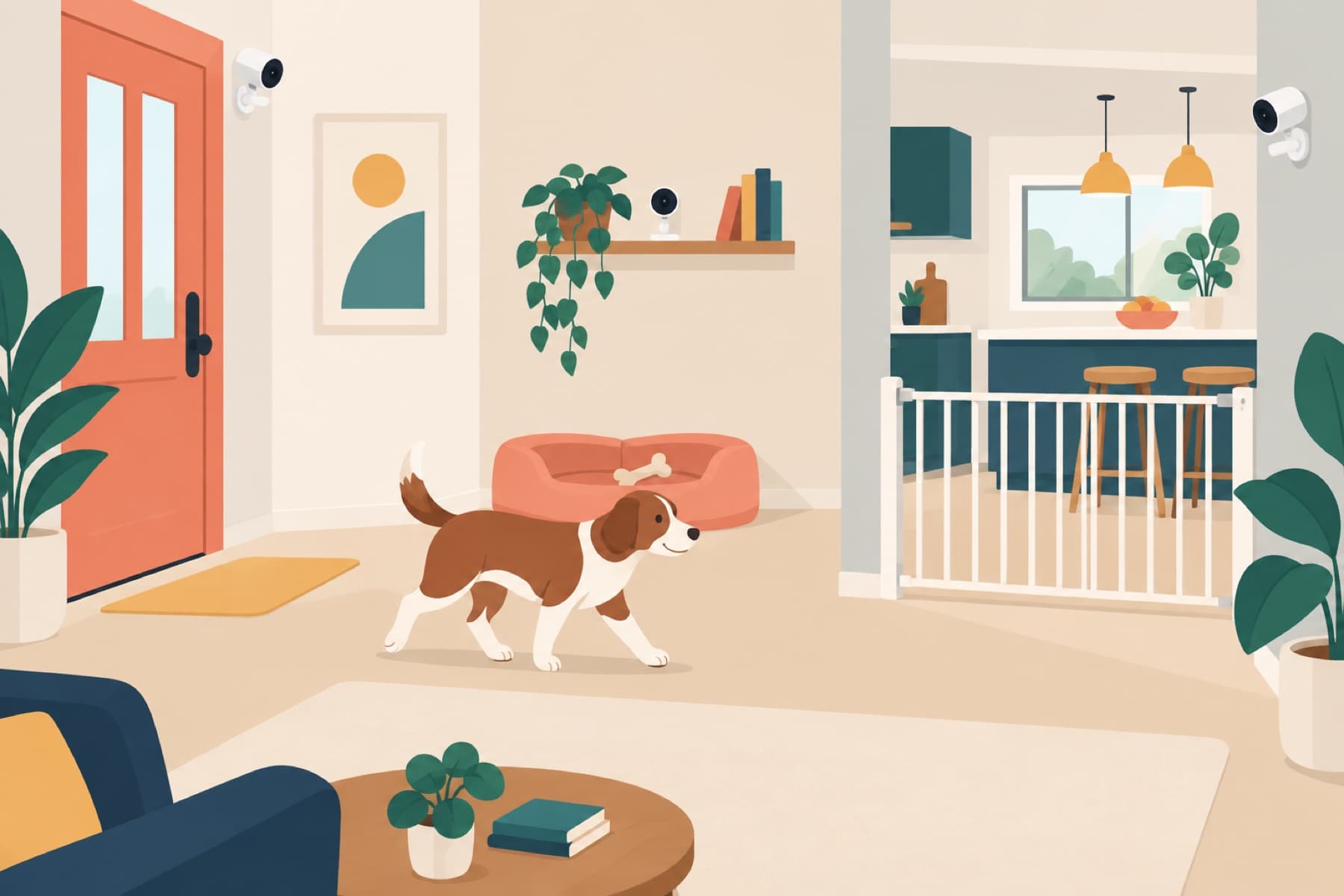
More pet cameras do not automatically give you better care. A useful setup covers the moments that answer a real question: whether your dog settles in their bed, reaches a gate, waits at the door, or moves into a room they should not enter. Start with those moments. Then decide whether one camera is enough.
Checked: September 17, 2026. Products, bundles, Care plans and app sharing features can change. Confirm current details before purchase.
The short answer
Most homes should start with one camera in the dog's main resting area. Add a second only when an important doorway, floor or room is genuinely out of view. A pan-tilt camera can cover more of one open room, but it cannot see through walls or monitor two rooms at the same time.
Petcube says the Premium Care plan can cover unlimited cameras on one account with its stated Premium features. That can change the plan maths for a multi-camera home, but you should map the rooms before buying a bundle.
Before buying a bundle, compare the two/three-camera monthly and annual Care examples. At the October 8, 2026 US plan prices, Premium is cheaper than separate Optimal plans at two monthly cameras but only at three annual cameras. Live viewing alone still needs no paid Care plan.
Shop Petcube cameras and bundles.
Map the dog route first
Walk the route your dog takes when you leave. Mark the bed or crate, food area, exit, gate and any room that needs to stay closed. Then put each possible camera against one useful question.
| Zone | Good question | Typical answer |
|---|---|---|
| Main bed or crate | Did my dog settle after I left? | Start with one fixed Cam or Cam 360. |
| Exit or hall | Is my dog pacing at the door or trying a gate? | Add a second camera only if it is out of the first view. |
| Open living room | Where in this room is my dog resting? | Cam 360 may cover this with remote rotation. |
| Separate floor or closed room | What is happening there? | It needs its own camera, not a wider lens. |
Do not aim a camera at a whole room just because it looks tidy. Face the bed, gate or door that gives you a useful answer. Respect the privacy of anyone else who uses the space and explain where cameras are placed before a sitter or visitor arrives.
One camera, two cameras, or a bundle?
| Setup | Best for | Main compromise |
|---|---|---|
| One fixed camera | A predictable rest area in one room. | The dog can leave the frame. |
| One Cam 360 | One open room with several useful angles. | It cannot cover a separate room. |
| Two cameras | A bed plus a doorway, or two distinct rooms. | More outlets, Wi-Fi checks and app views. |
| Bundle and Premium plan | A household with several cameras that needs saved history across them. | Higher upfront cost and a paid ongoing plan. |
Petcube says all of its cameras can live stream without Care. Care becomes relevant if you need saved video, smart alerts or browser access. Its current support material says Premium can cover unlimited connected cameras, with 90 days of history and plan-specific features. Check the current plan page because terms can change.
The practical setup checks
- Test 2.4 GHz Wi-Fi in every intended camera location. A good signal by the router is not enough.
- Keep cables behind furniture, in conduit, or otherwise inaccessible to a dog who chews.
- Use a stable shelf or the supplied mount. Do not balance a camera where a wagging tail can knock it down.
- Set a privacy routine. Turn cameras away, close a privacy mode or unplug them when monitoring is not wanted.
- Share app access deliberately. Give each family member or sitter only the access they need.
What looks good, and what needs care
Reasons to add another camera
- It covers a separate room or a key exit that the first camera cannot see.
- It lets you check a rest area without moving the first camera away from the door.
- Premium may be more sensible than separate plans when you truly need recording across several cameras.
Reasons to keep the setup small
- A single well-placed camera is easier to maintain and less likely to create notification noise.
- More views do not replace a safe home setup or an in-person check.
- Every camera adds an outlet, Wi-Fi and privacy decision.
Who is this guide for?
Start with one camera if you are new to remote dog monitoring. Add another when you have written down the second question it answers. A multi-camera plan is most useful for a large home, a dog with access to several safe areas, or a family that needs reviewable coverage of more than one room.
Frequently asked questions
Can one Petcube Cam 360 monitor my whole home?
No. It can pan and tilt within one room. It cannot see around walls, stairs or closed doors.
Do I need a subscription for several Petcube cameras?
No for live streaming. Petcube Care is optional. Petcube says Premium can apply its plan features across unlimited cameras on one account.
Where should I put the first camera?
Start at the bed, crate, gate or doorway that answers the clearest question about your dog's routine. Test the view while you are home.
Are pet cameras a replacement for a sitter?
No. A camera helps you observe. It cannot provide toileting, exercise, comfort, emergency care or supervision.
Sources and review notes
- Petcube camera store for current camera and multipack availability.
- Petcube Care membership details and multi-camera support for stated Premium terms.
- Petcube Cam 360 guide for placement and rotation information.
This is an editorial planning guide based on Petcube materials. We have not independently tested camera coverage, family sharing, recording, alerts, Wi-Fi reliability or Care plan service.